WorkLive
Start here
Why map work before you buy tools.
/work/start-here/What do we actually do all day?
Before you fix a job, you need to know what the job is. I draw a picture of all the little things people do at work, so we can see where the choices are.
Governments keep big lists that describe thousands of jobs as tasks and skills. The US list is called O*NET and the EU one is ESCO. I use them to draw a map of what your team really does, then mark the places where someone has to make a call.
O*NET and ESCO describe thousands of occupations as tasks, skills and work activities. Used carefully, they give you a shared map of the work before anyone talks about AI, and they show where the decisions sit.
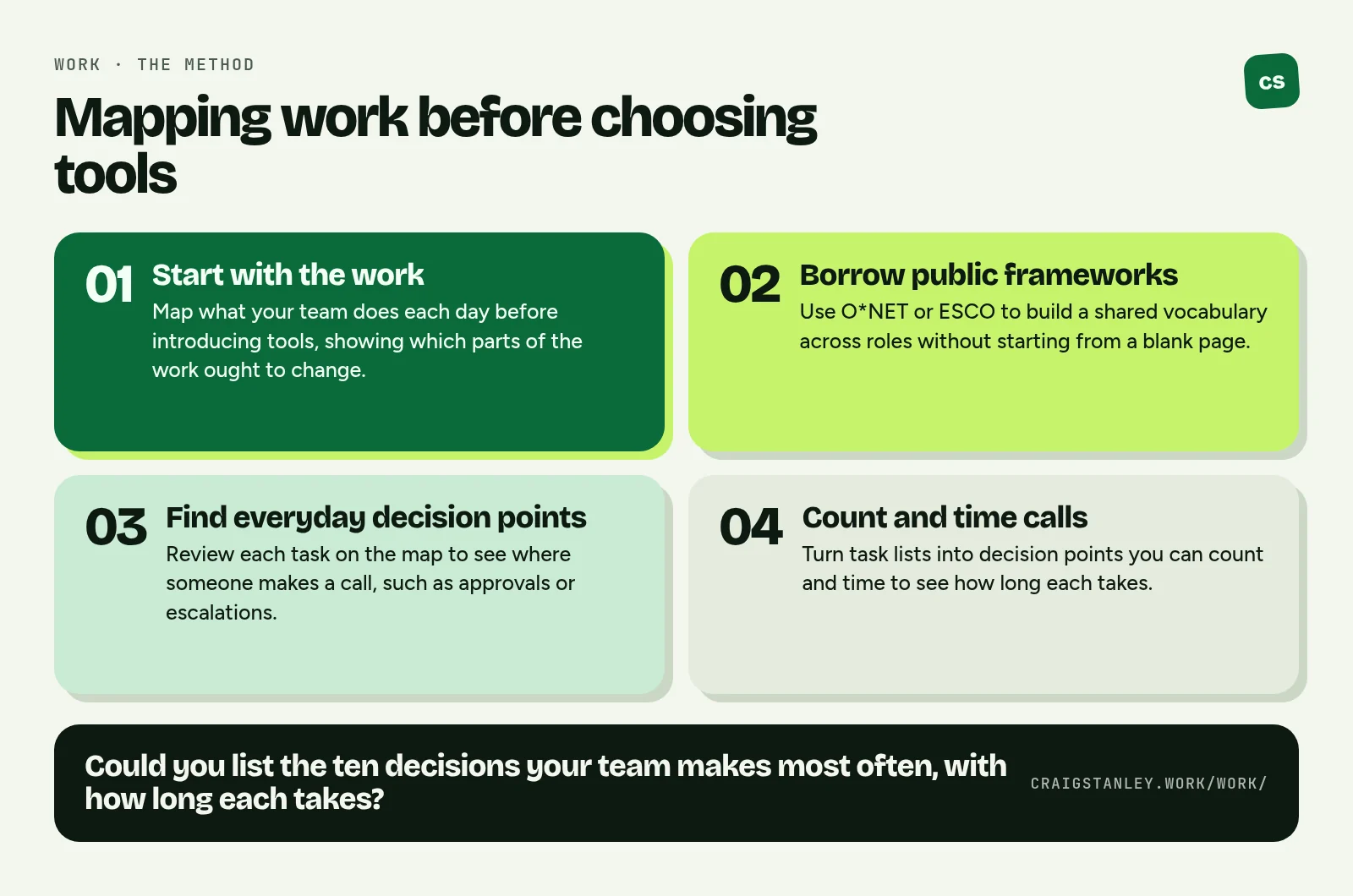
From Craig Stanley's site: the Work section. Most AI programmes start with a tool and look for somewhere to put it. That gets the order backwards. If you don't know what people do all day, you can't say which part of it a tool should change, or how you'd know it had. Two public frameworks make this much easier than starting from a blank page. O*NET, run for the US Department of Labor, describes around one thousand occupations in detail. ESCO, run by the European Commission, lists about three thousand occupations and nearly fourteen thousand skills and competences in every EU language. Neither framework describes your team exactly, but both give you a shared vocabulary so a finance partner and a service desk lead can compare their work on the same terms. Craig uses them to draw a map of what teams really do, then marks where someone has to make a call. Whether someone approves or decides to escalate, each call becomes a decision you can count and time. Could you list the ten decisions your team makes most often, with how long each takes?
Summary written and read aloud with Google Gemini from the text on this page. The voice is synthetic. Longer episodes are in the podcast.
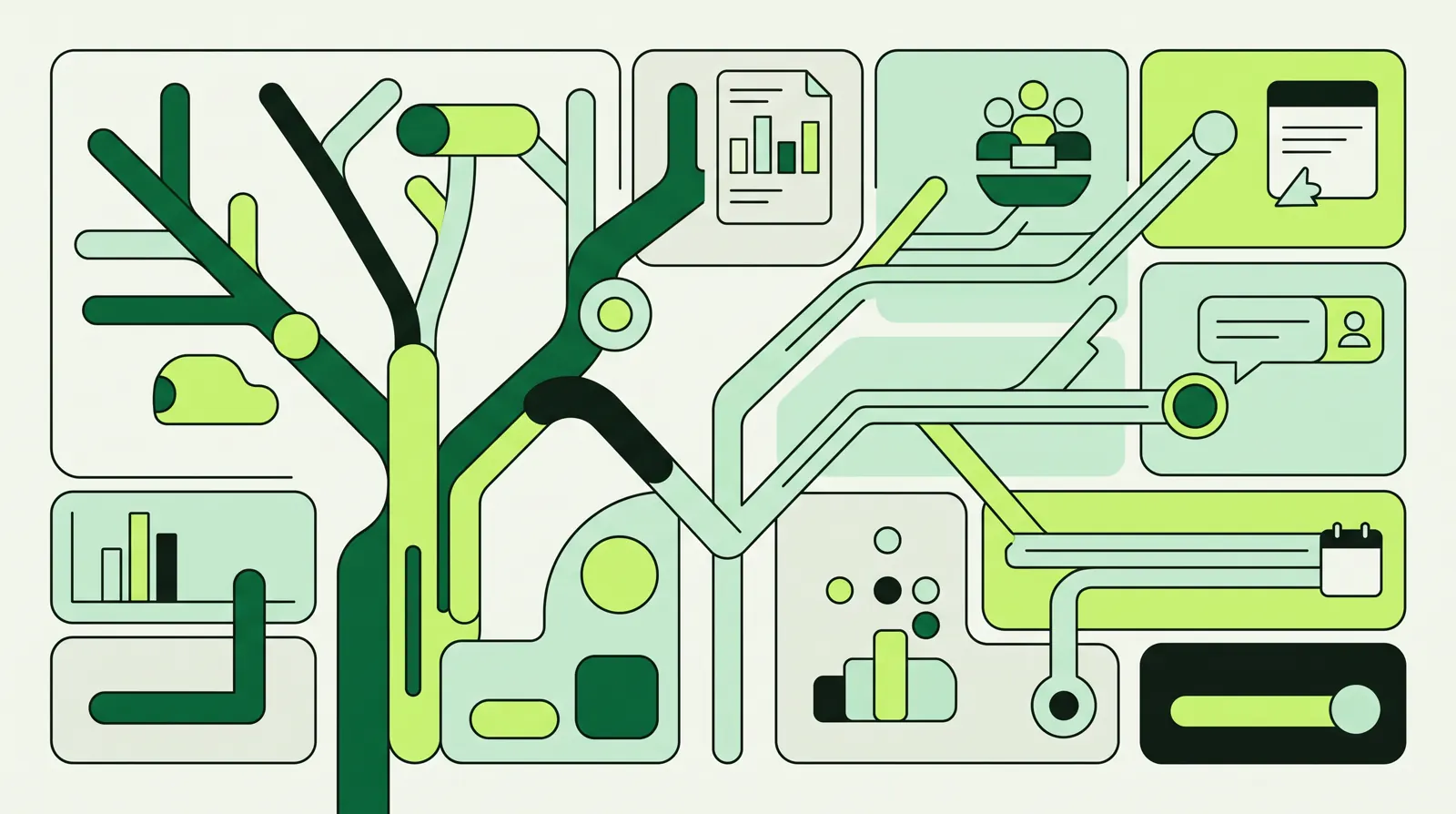
Most AI programmes start with a tool and look for somewhere to put it. That gets the order backwards. If you don't know what your people do all day, you can't say which part of it a tool should change, or how you'd know it had.
Two public frameworks make this much easier than starting from a blank page:
Neither will describe your team exactly. Both give you a shared vocabulary, so a finance partner and a service desk lead can compare their work on the same terms.
A task list tells you what people do. The useful next step is to ask, for each task, where someone has to make a call. Who approves? Who decides to escalate? Who picks the supplier? Each of those is a decision you can count, time and score. That's the bridge into the Decisions section.
Read Map the work, then the decisions, then Reading an O*NET occupation.
Why map work before you buy tools.
/work/start-here/The US Department of Labor's model: tasks, work activities, work context.
/work/onet/The EU's skills, competences and occupations classification.
/work/esco/Turning task lists into decision points with frequency, stakes and reversibility.
/work/tasks-to-decisions/One page per common role: tasks, decisions, where AI helps and where it shouldn't.
/work/role-cards/Job descriptions, ticket logs, approvals and Viva Insights as evidence.
/work/work-data/Why mapping what people actually do should come before choosing AI tools, and a five-step way to do it with public frameworks.
ReadWork · Start hereThe reasoning behind this site's order: work first, then decisions, then tools, risk and cost. With an example of what goes wrong the other way round.
ReadWork · The O*NET lensA guide to the parts of an O*NET occupation profile that matter most for mapping work and decisions.
ReadWork · The O*NET lensTwo O*NET work context ratings that give a quick, comparable read on how much judgement a role involves and what mistakes cost.
ReadWork · The ESCO lensWhat ESCO is, how its occupations and skills fit together, and how to use it to describe UK and European roles.
ReadWork · The ESCO lensHow to move between ESCO occupations and O*NET profiles so you get ESCO's skills detail and O*NET's task detail for the same role.
ReadWork · Tasks to decisionsA one-sheet template for listing the decisions a team makes, with frequency, stakes and reversibility, so you can see where to start.
ReadWork · Tasks to decisionsPlain scales for the three columns of the decision inventory that matter most, so different people score the same decision the same way.
ReadWork · Role cardsA role card for case managers: the main tasks, the decisions that shape outcomes for people, where AI can help, and where it shouldn't decide.
ReadWork · Role cardsA role card for IT service desk analysts: the main tasks, the decisions inside them, where AI tools can help, and where people should stay in charge.
ReadWork · Work data you already holdApproval logs record who decided what, when and how quickly. How to read them as evidence of decision volume, delay and consistency before changing anything.
ReadWork · Work data you already holdTicket histories record each decision as a change. How to read them to see which decisions happen, how often, and where they go wrong.
ReadA question to take awayCould you list the ten decisions your team makes most often, with how long each takes?